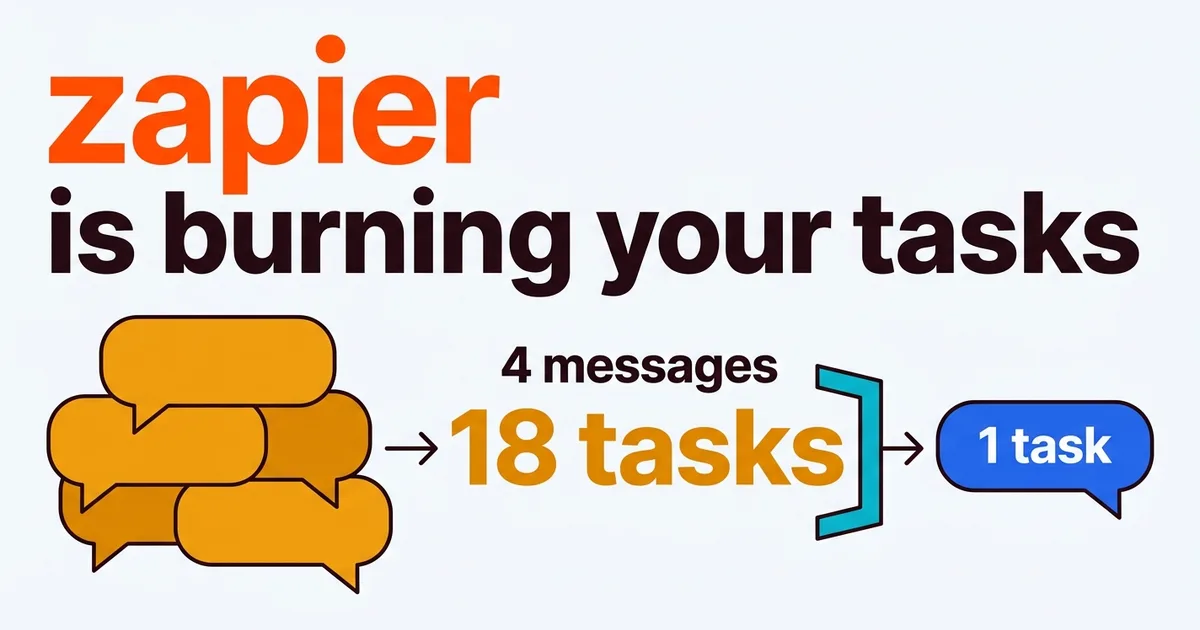
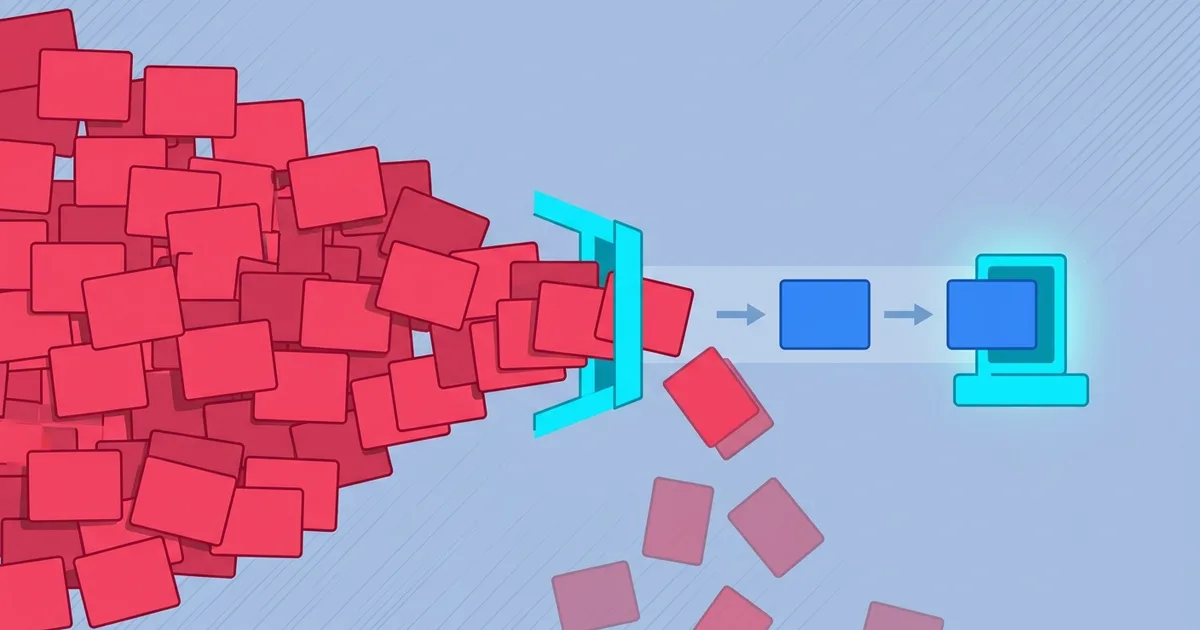
How to Stop Duplicate Slack Bot Events
Ack fast, remember what you ran, and your bot answers once.
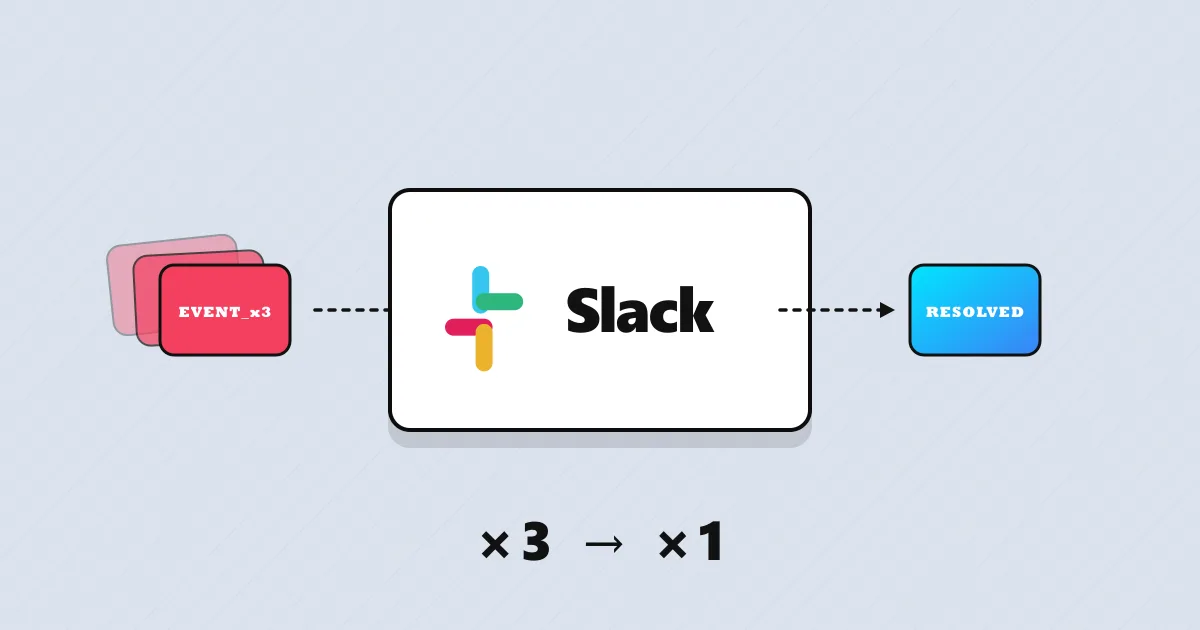
- ~18% of Slack events we see is a retry of one already handled.
- Slow handlers miss the 3s ack and trigger up to 3× runs.
- Instant ack plus
event_iddedup cuts duplicate runs to near 0.
The problem
- Slack retries any event you don't ack with 200 in 3 seconds — and your LLM call is slower than that.
- Each retry is a full run of your agent, with the same
event_id. - You pay the token cost for every retry, up to three per message.
The solution
Return the 200 the instant the event lands, then hand the work off. Keep a short memory of the event_ids you've already handled so any repeat gets dropped.
- Ack with 200 within 3 seconds, before any LLM call.
- Remember each event_id for a short window — a few minutes.
- Seen that id already? Drop it. New? Run the agent.
Key on the immutable event_id, never on ts — ts isn't unique per delivery.
Result: one event → one agent run, however many retries Slack sends.
Your Slack bot answers the same message two or three times, and you never wrote a loop. The cause is almost always the Events API retrying delivery, and each retry is a full run of your AI agent. Here is why it happens and how to stop it.
Why your Slack bot fires twice
Slack expects a fast 200 and retries the event — up to three times with backoff — when it doesn’t get one in time. If your handler calls an LLM before responding, you blow past the three-second window, Slack assumes failure, and it sends the exact same event again. Every retry carries the same stable event_id, so your agent sees what looks like three separate messages and bills three times for one user intent.
The retries announce themselves with two headers — X-Slack-Retry-Num (which attempt this is) and X-Slack-Retry-Reason (usually http_timeout) — but the payload is otherwise identical to the first delivery.
There are two ways to stop it: build the defenses yourself, or put a gateway in front that does it for you. This post walks the full manual path first — so you understand exactly what’s involved — then lets you compare the two at the end.
The two sources of duplicates
Not all duplicates are the same, and knowing the source tells you which defense you need.
| Source | What causes it | How you catch it |
|---|---|---|
| Timeout retries | Slack re-sends after a slow ack | Fast 200, then same event_id |
| Non-timeout repeats | Process restart or multi-instance delivery | Same event_id |
Timeout retries are the common case, and a fast acknowledgement prevents most of them outright. The rest — a crash mid-task, the same event reaching two instances behind a load balancer — slip past the ack and are caught only by remembering the event_id.
The manual fix (Option 1)
Two defenses, layered. Each one is something you build and maintain yourself.
Fix 1: acknowledge before you process
The direct cause is a slow acknowledgement, so respond first and think later. Return 200 to Slack the instant the event arrives, then hand the work to a background task or queue — the ack lands long before your agent finishes.
On a gateway, the instant ack is the default — nothing to wire into your handler.
Fix 2: deduplicate on event_id
To be safe regardless of why a duplicate arrives, remember every event_id you’ve already handled and drop repeats. Read the id from the payload (not ts, which can repeat across events), check a short-lived store, and proceed only if it’s new. The window only needs to cover Slack’s retry schedule — a few minutes is plenty.
Because the check keys on the immutable event_id, it catches duplicates from retries, restarts, and multi-instance delivery alike — which fast-acking on its own cannot.
On a gateway, the id store and the window are built in — not code you host or tune.
The catch: you have to keep it running
None of this is one-and-done. You host the id store, keep the ack path faster than three seconds as your handler grows, and make sure every instance shares the same memory — then repeat the whole setup on every channel you add. For a single Slack app it’s fine. Across a fleet of channels, the maintenance quietly becomes its own job.
Place a gateway layer (Option 2) — faster
Instead of building the two defenses into every app, you point your channels at one layer that already does all of it — instant ack, id dedup, a shared window — before anything reaches your agent.
- One layer, every channel. Set it up once; it covers Slack, WhatsApp, webhooks and the rest.
- Nothing to maintain. No id store to host, no ack budget to defend.
- Tune, don’t code. The window is a setting, not a code path.
- The 3-second contract is always met. The gateway acks instantly, no matter how slow your LLM call is.
You trade a little control of the internals for a lot less work. For most teams running more than one channel, that’s the trade worth making.
Option 1 (DIY) vs Option 2 (gateway)
Neither is wrong — one trades time for control, the other control for time. The honest side-by-side:
| Do it yourself | Use a gateway | |
|---|---|---|
| Fast ack (3s contract) | ~Wire async per handler | ✓Instant, built in |
| event_id store & window | ✕You build & host | ✓Built in |
| Restart / multi-instance | ~Needs a shared store | ✓Handled for you |
| Every channel | ~Repeat setup each time | ✓One layer, all channels |
| Ongoing maintenance | ✕Yours, forever | ✓Handled for you |
| Control of internals | ✓Full | ~Abstracted away |
This is the Slack-specific case of a general problem — see how to stop duplicate messages across any channel for the platform-agnostic version.
If option 2 sounds more like you, here’s the short version of how to set it up: let a gateway handle the ack and the dedup →.
Either way — go make your bot answer once per message.
Thanks for reading. 👋
Orlando. -
Orlando Quijada
Technologist with 15+ years of experience. Developer, SaaS tester, and AI collaboration & optimization specialist. Currently contributing at portarus.com.
Written on