How to Reduce Make.com Operations in AI Scenarios
The cheapest operation is the one that never runs.

- Every module that runs is 1 operation — the webhook trigger counts first.
- Duplicates, bursts and bot probes each run the whole scenario.
- Filtering in front keeps operations tracking real traffic, not noise.
The problem
- Make bills per operation — every module that runs counts, not per real conversation.
- An instant webhook trigger consumes one the moment it fires, before any filter runs.
- Retries, bursts and bot probes each run your whole scenario and burn operations you pay for.
The solution
There are only two places to act, and they save different amounts:
- Inside the scenario: filter after the webhook → saves the downstream modules, not the trigger.
- In front of Make: filter before the webhook URL → the scenario never runs.
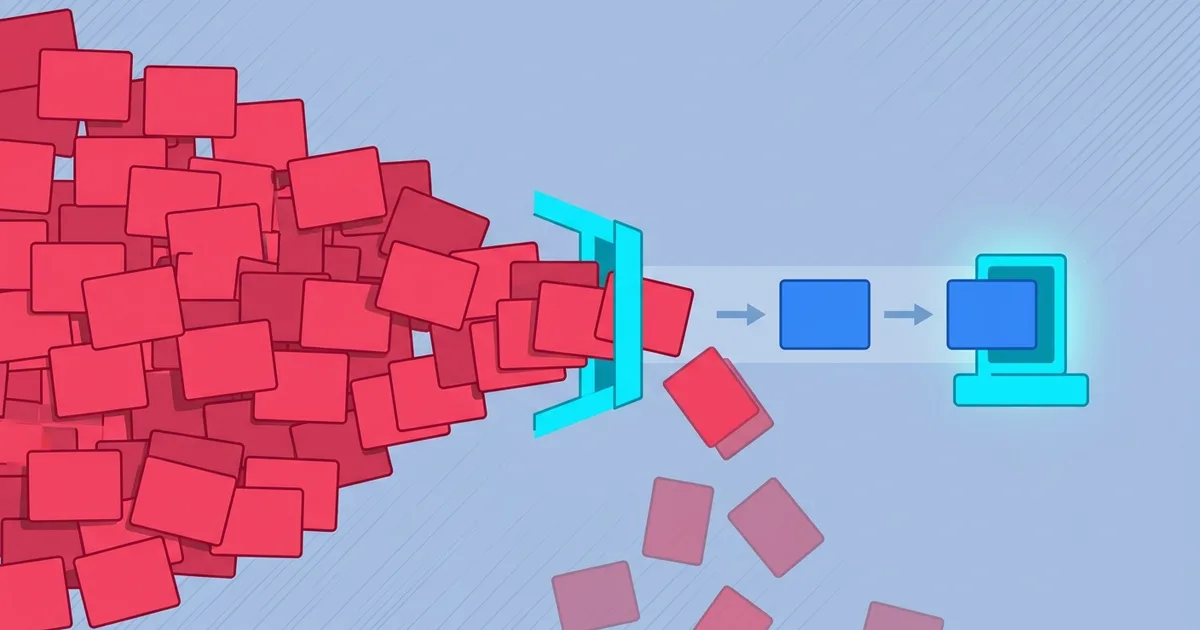
Drop duplicates, merge bursts into one, reject junk — so Make runs once per real event.
Result: your operations track your actual traffic.
Make.com bills per operation, not per real conversation. Every retry, every message a user splits across five bubbles, every bot probing your webhook — each one runs your scenario and burns operations you pay for. The cheapest operation is the one that never runs. Here is how to reduce Make.com operations without rebuilding your scenario.
Why your operations outrun your scenarios
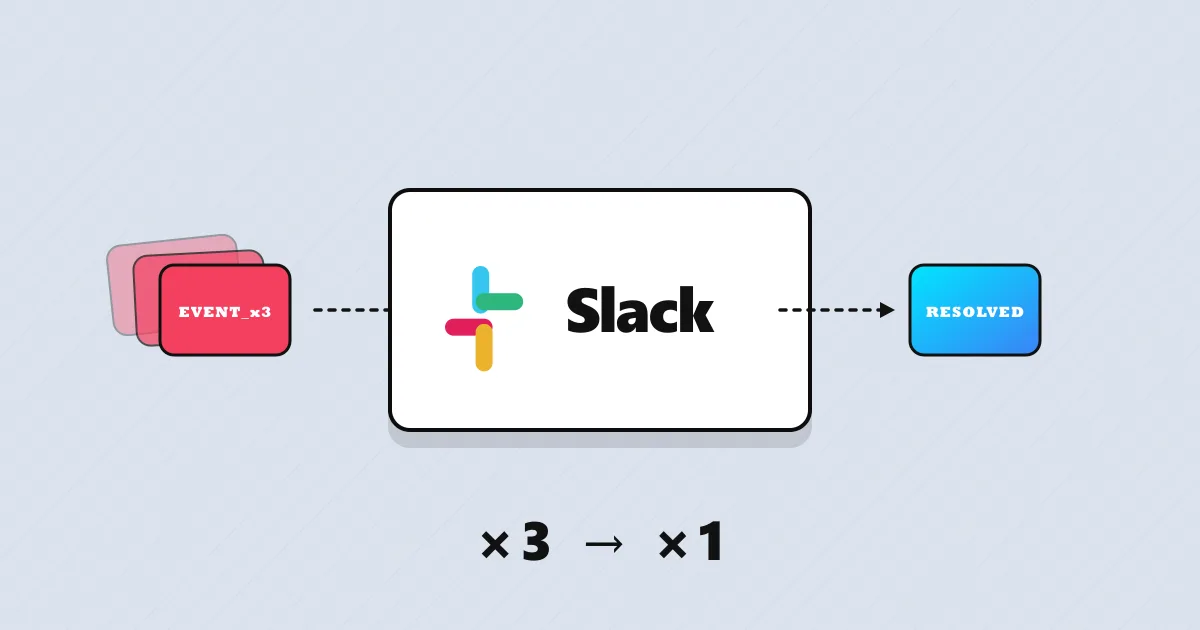
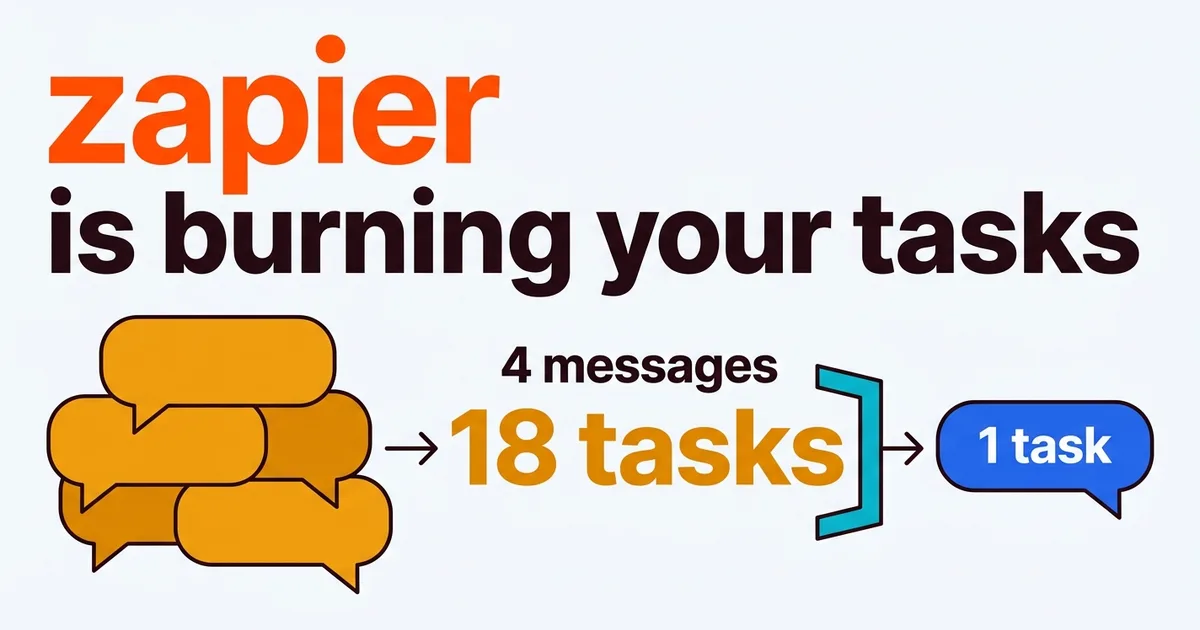
Three patterns inflate the count: duplicates (senders retry on timeout, so one event arrives two or three times, each a full run), bursts (a user types “hi”, “can you”, “help me”, “with an order” as four messages — four runs for one intent), and junk (bots, scanners, and malformed payloads all trigger the scenario before you can reject them). None of it shows as an error, only as an operations graph running ahead of your real traffic.
The manual fix (Option 1)
Filter inside the scenario. Add a filter right after the webhook module: route duplicates and junk down a dead-end path, validate the payload, and stop the expensive modules — the AI module, the HTTP calls, the data store writes — from ever running. Track seen payloads in a data store so retries fall out before the AI module.
On a gateway, the request is dropped before the scenario triggers at all.
The catch: the trigger counts before your filter
Make charges the trigger operation at the edge, so no in-scenario filter can remove it — and you rebuild the filter/router/data-store branch in every scenario. To stop the whole run, the filter has to live in front of the webhook URL.
Place a gateway layer (Option 2) — faster
A message gateway sits between the sender and your webhook URL. You point senders at the gateway, and it drops duplicates, merges bursts into one message, and rejects junk before forwarding. Only clean, real events reach Make — so the scenario runs once per event, and your operations track your actual traffic.
- The scenario never runs. The duplicate, burst copy or bot is dropped at the edge.
- One layer, every scenario. No per-scenario filter branch to rebuild.
- Tune, don’t code. Dedup window and limits are settings.
Option 1 (inside) vs Option 2 (in front)
| Filter inside the scenario | Filter in front (gateway) | |
|---|---|---|
| Duplicate webhook | ~Downstream modules only | ✓Scenario never runs |
| Burst of fragments | ~One run each | ✓Merged into one run |
| Bot / junk request | ✕Trigger still counts | ✓Rejected at the edge |
| Downstream modules (AI, HTTP, writes) | ✓Saved | ✓Saved |
| Every scenario | ~Rebuild the branch each time | ✓One layer, all scenarios |
| Control of internals | ✓Full | ~Abstracted away |
Usually duplicates and bursts waste the most — deduplicating and merging fragments cut the count with no change to your scenario. It’s one piece of message quality for AI agents, and closely related to webhook optimization for Make.com AI scenarios.
If option 2 sounds more like you, here’s the short version of how to set it up: keep wasted runs out of your operations count →.
Either way — go make Make run only on real events.
Thanks for reading. 👋
Orlando. -
Orlando Quijada
Technologist with 15+ years of experience. Developer, SaaS tester, and AI collaboration & optimization specialist. Currently contributing at portarus.com.
Written on